In this article
What a Starter Game Is
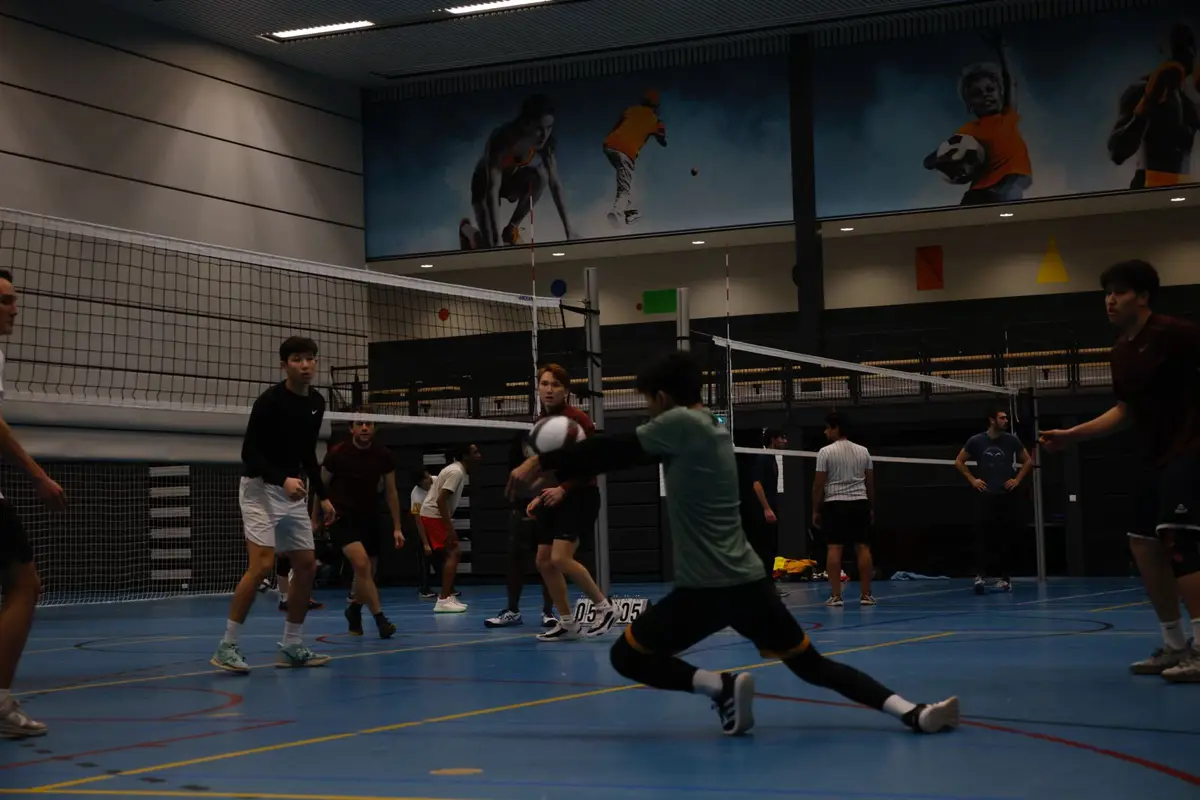
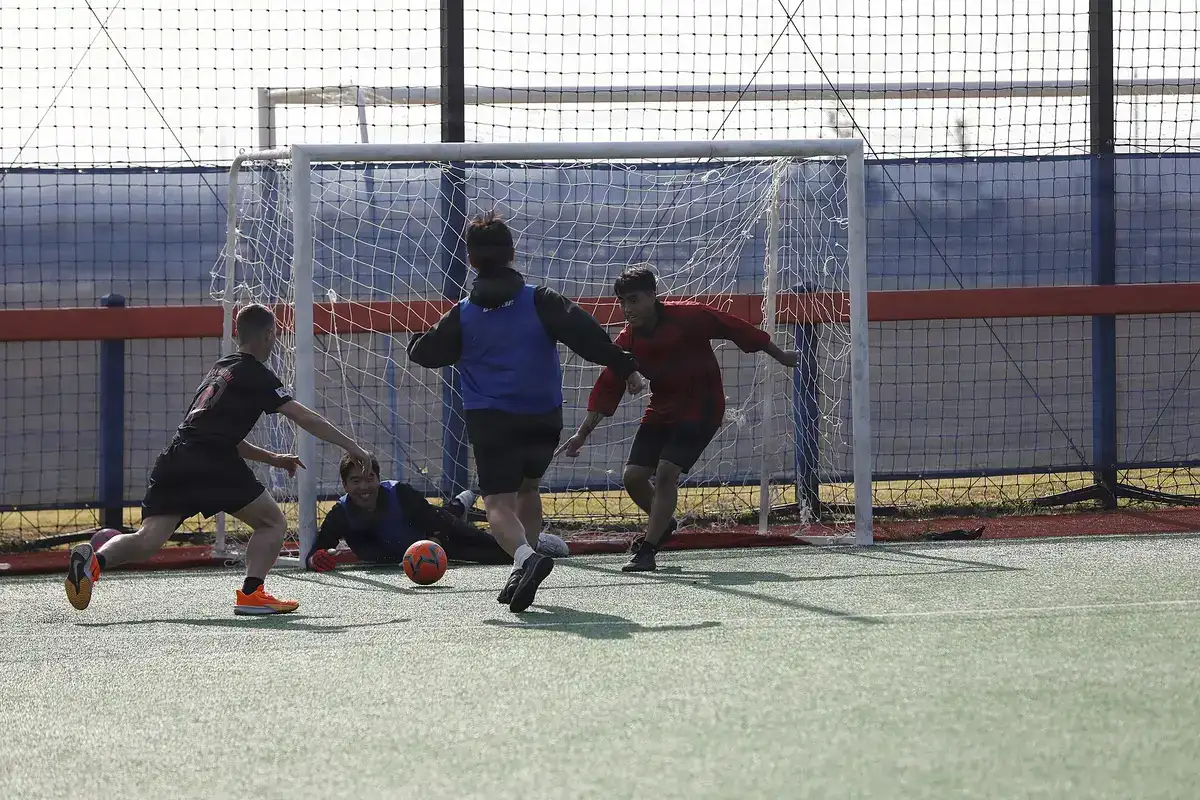
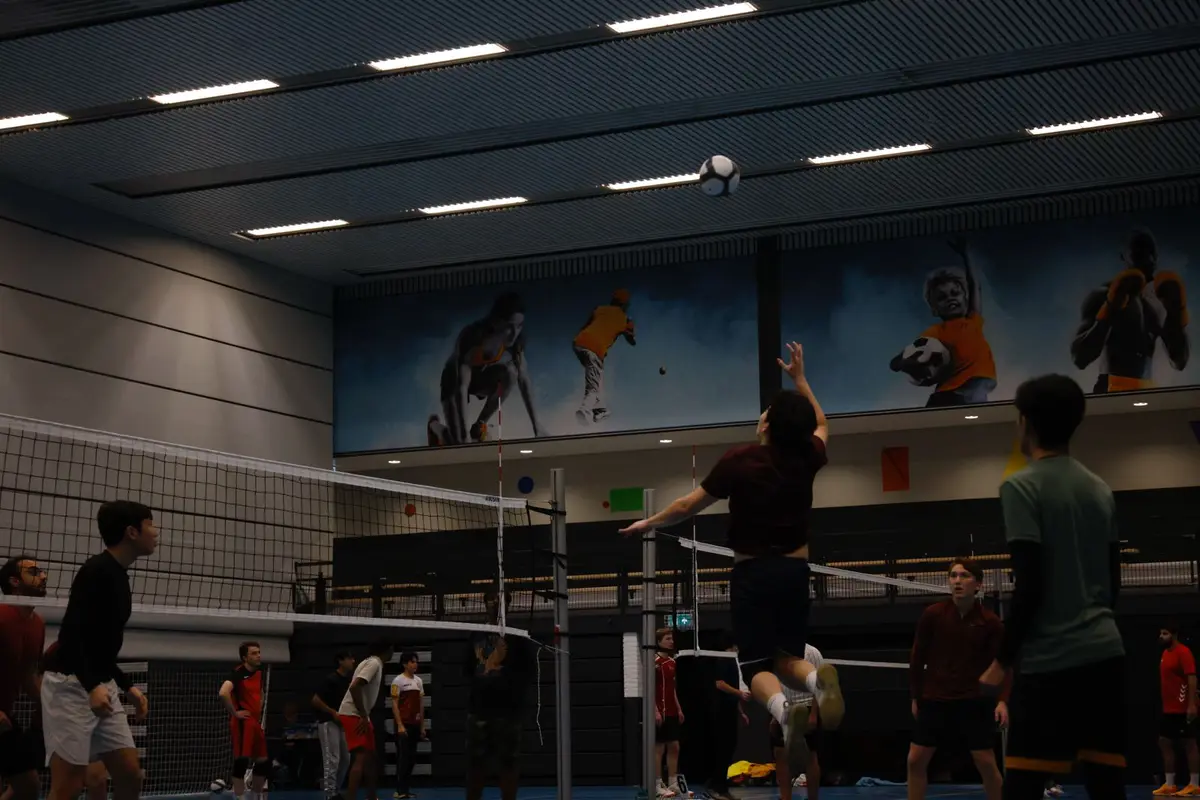
You don't need a club, a budget or an organiser account to organise a free pickup game. Whether it's volleyball with colleagues after work, a Sunday kickabout with friends or the very first game of a group that doesn't exist yet, the hard part is rarely the sport. It's getting enough people to commit to one time and one place, and knowing who is actually coming.
That is what a starter game on TheQuickSport is for: a free way to organise casual sports games. You pick a sport, a place and a time, share the link, and people sign up on the website or in the app. It's free for you and for everyone who joins, and you see who's in instead of counting “+1” messages in a group chat.
Before You Start: A Confirmed Email and a Place to Play
You need two things before you open the form. The first is a free TheQuickSport account with a confirmed email address: sign up, then open the link in the email we send you. Until you do, the create page asks you to confirm your email first. You don't have to apply as an organiser or wait for anyone's approval.
The second is a place to play. TheQuickSport doesn't book venues for starter games, so you choose the spot, and if it's a hall or a court that has to be rented, you book and pay for it yourself. Sort that out before you publish: people sign up for a time and a place, and moving either later is how first games lose players.
Create the Game, Step by Step
Open thequicksport.com/create-game. The form has three short steps, then you publish. It takes a few minutes.
- What and when. Pick the sport, the date, the start time and how long you'll play. The game has to start at least an hour from now.
- Where. Search for the sports hall, park or address, then drag the pin to the exact spot, such as the right entrance or the right pitch. Choose the surface, for example indoor, grass or sand.
- Players. Set the number of spots (4 to 24), the level and the players you already have (more on that below). Use the note for players for what they need to know: indoor shoes, which door, who brings the ball.
- Publish game. There's no approval step: your game goes live straight away. The “Your game is live” screen has a button to copy the link, so you can share it at once.
Count the Players You Already Have
Most first games start with a few people already in: your housemate, two colleagues, the friend who came up with the idea. Enter them under “Players you already have”. The number includes you, those spots are taken without anyone having to sign up, and the game shows only the spots that are really open.
An example: you set 12 spots and already have 5 people, yourself included. The game shows 7 open spots, so you only need to find 7 more.
How many players do you need for a pickup game? Count the players on court for the format you want, then add one or two to cover a late cancellation. With 24 spots, the maximum, you can run two 6 v 6 volleyball courts side by side.
| Format | Players on court | Spots to set |
|---|---|---|
| Volleyball 6 v 6 | 12 | 12–14 |
| Volleyball 4 v 4 | 8 | 8–10 |
| Football or futsal, 5-a-side | 10 | 10–12 |
| Football, 7-a-side | 14 | 14–16 |
| Basketball 3 v 3 (one hoop) | 6 | 6–8 |
| Basketball 5 v 5 | 10 | 10–12 |
Where to Play: A Free Outdoor Spot or a Rented Hall
Outdoors is the cheapest option. Public beach volleyball courts, park pitches and basketball courts that are open to everyone usually can't be booked, so on a warm evening someone may get there first. Turn up a little early, and say in the note where you'll meet if the court is taken.
Indoors you rent a hall by the hour, and per head it often costs less than people expect. The city of Nijmegen charges €21.84 an hour for a gymzaal (a small gym hall) on a weekday evening in the 2026-27 season: with 12 players, that's about €1.82 each. In Leuven, anyone can rent one unit of Sporthal Heverlee, which is one volleyball court; individuals pay €12.30 an hour, about €1.03 each for 12 players.
Our guide to renting a sports hall in the Netherlands and Belgium lists rates per city and explains how booking works.
Fill the Game: Share the Link
Once published, your game is public. Players looking for a game nearby can find it and join, and in the game list it carries a “New host” tag, which marks games hosted by players themselves rather than by organisers.
Joining is free, but players need a free account. If a friend has never used TheQuickSport, send them the player guide along with the link.
Don't wait for strangers to find your game, though. The quickest way to fill a first game is to send the link yourself:
- The group chats you're already in: an old team, your housemates, your running group
- Colleagues: a game straight after work is an easy yes
- Student, neighbourhood and expat groups in your city
- Everyone who signs up: ask them to bring one friend
From One Game to a Weekly Group
If the first game goes well, people will ask when the next one is. You can host three starter games in total, one upcoming at a time: the next one unlocks once your current game has started. That's enough to find out whether a regular group is worth it.
For a weekly game, the hall starts to add up and chasing payment requests gets old. That's where the organiser platform comes in; this two-minute video shows how organisers use it. In short:
- Paid and recurring games, with no limit on how many you run
- Players pay online when they sign up; if the game doesn't reach its minimum number of players, it's cancelled and they get a full refund
- No commission on the game fee: players pay the payment-processing fee
- Waiting lists, reminders and payouts are handled for you
Frequently asked questions
Is a starter game really free?
Yes. Hosting a starter game is free, and so is joining one: starter games can't charge players. The only cost is the venue, if you rent a hall or a court, and you settle that with the venue yourself.
How many games can I host?
Three starter games per account, one upcoming at a time. The next one unlocks once your current game has started. A cancelled game still counts towards the three. To keep hosting after that, apply for the organiser platform.
Can I host a game outside the Netherlands?
Yes. Starter games work in any country: search for the venue or address, place the pin and publish.
What if not enough people sign up?
A starter game isn't cancelled automatically for having too few players: it stays on, and you play with whoever signed up. Share the link again, or play a smaller format, such as 4 v 4 instead of 6 v 6. If you'd rather call it off, cancel it from your profile under “Organized games”, and everyone who joined gets a notification.
Can I change the time or place after publishing?
Yes, until the game starts. Open your profile, go to “Organized games” and choose Edit. Players who already joined keep their spots.
Can players pay me through TheQuickSport?
Not in a starter game: those are always free for players. To charge a fee, for example to cover a weekly hall, apply for the organiser platform at join.thequicksport.com. Players then pay online when they sign up, and if the game doesn't reach its minimum number of players, it's cancelled and they get a full refund. TheQuickSport takes no commission on the game fee; players pay the payment-processing fee.